Research Wheel
A downloadable tool for Windows
Research the web without constantly switching tabs.
Research Wheel puts research tools directly alongside the information you're reading. Save quotes, search research sources, generate citations, and organize your findings with a simple middle-click workflow.
Free · Open source · Local-first · No tracking
🔬 What Is Research Wheel?
Research Wheel is a Firefox extension designed to make web research faster and easier.
Instead of constantly switching between webpages, search engines, note-taking apps, and citation tools, Research Wheel keeps common research actions close to the information you're working with.
Find something → middle-click → research, save, or cite it.
⚡ How It Works
-
Find something useful
Browse the web normally and find information worth researching, saving, or citing. -
Middle-click
Select text and middle-click to open Research Wheel directly where you're working. -
Take action
Search research sources, save notes and quotes, generate citations, translate text, or copy useful source information.
🛠️ Key Features
🔎 Search Research Sources
Search Google Scholar or PubMed using selected text or the current webpage title without manually opening another tab.
📝 Save Research as You Browse
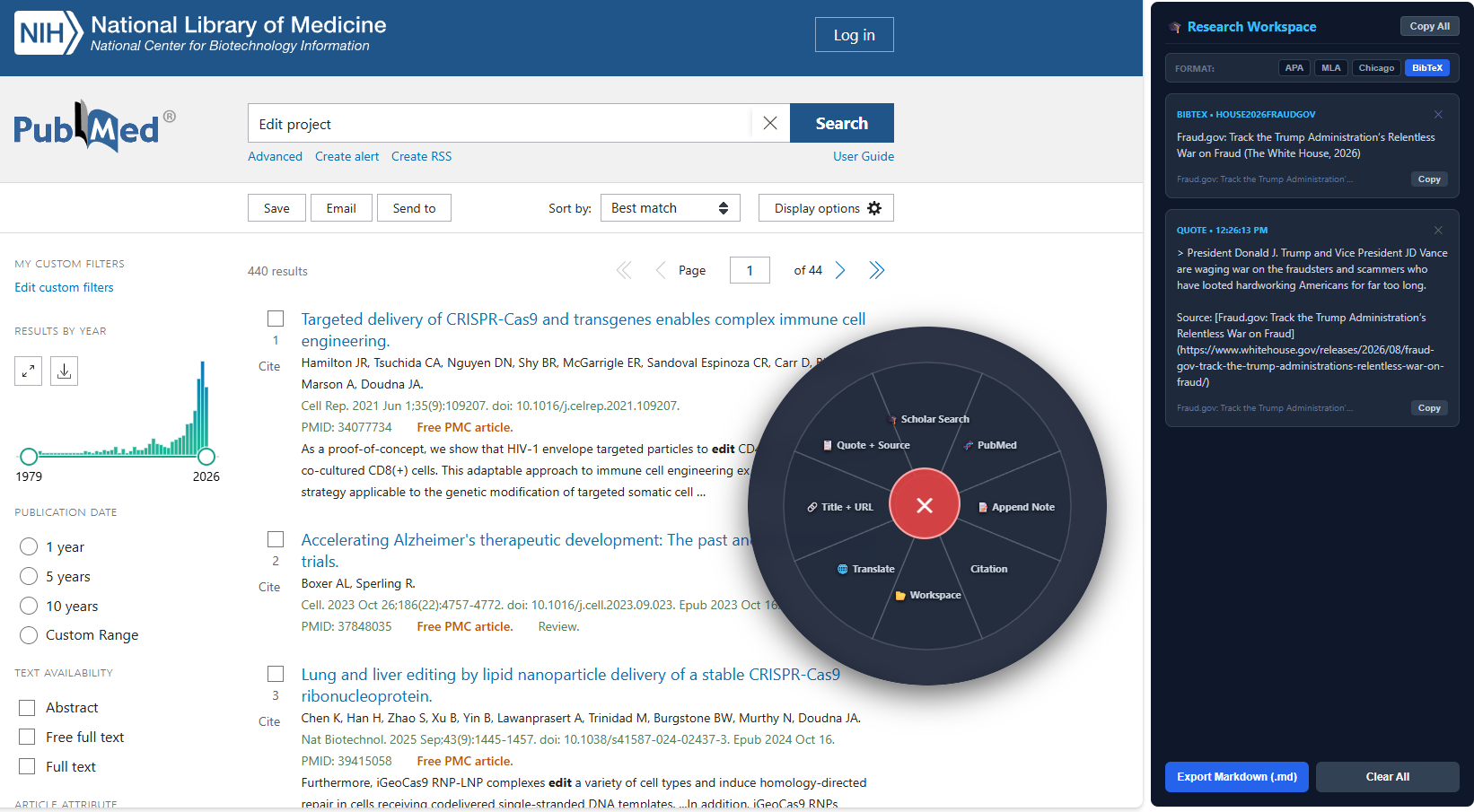
Save highlighted text directly to your Research Wheel workspace. Collect quotes, notes, code, URLs, and source information while you browse.
📚 Generate Citations
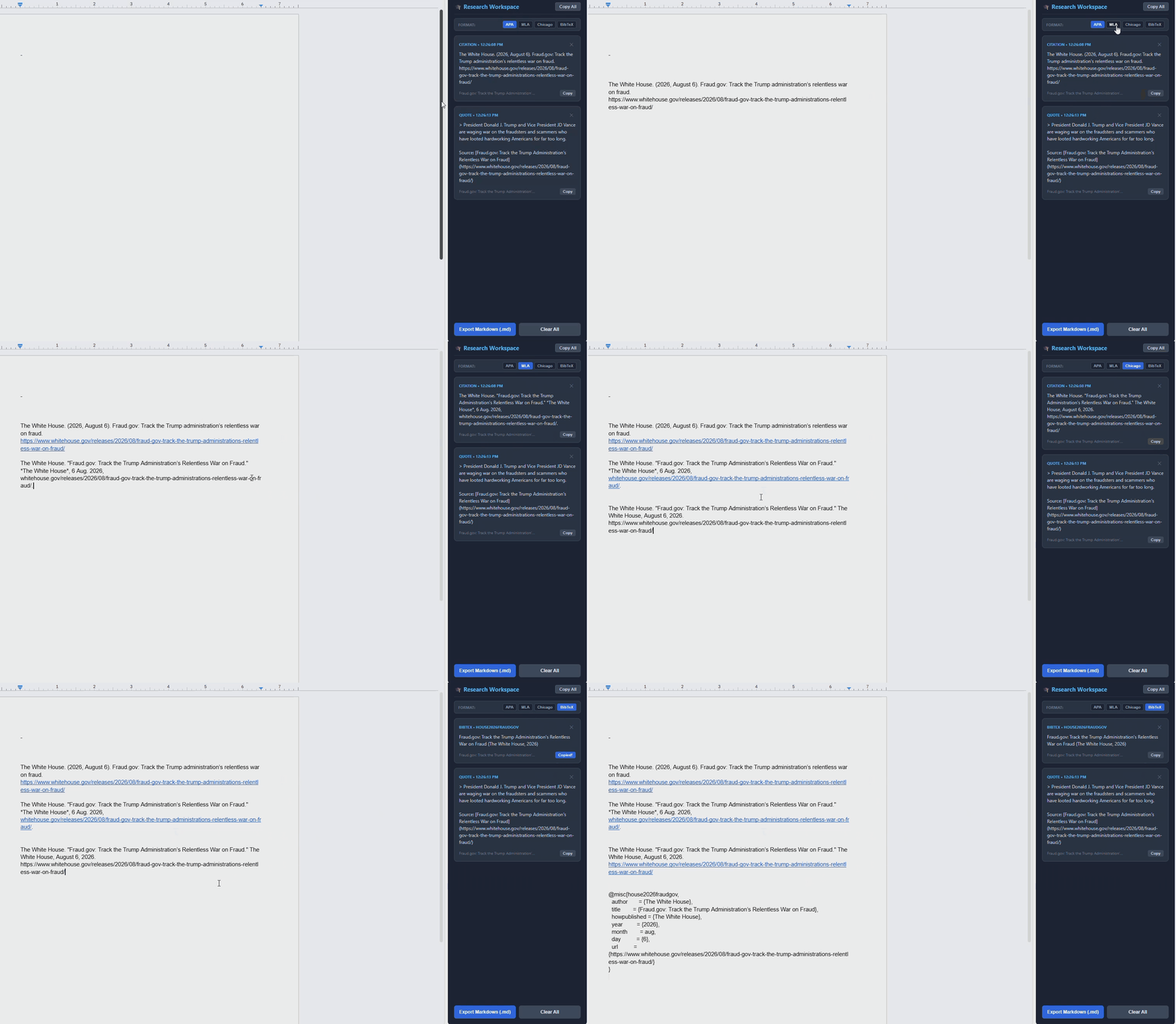
Generate and copy citations in:
- APA 7th
- MLA 9th
- Chicago 17th
- BibTeX
Research Wheel also cleans webpage metadata to produce more useful citation information from messy webpages.
📂 Research Workspace
Keep your collected research in a persistent Firefox sidebar. Review and manage saved notes, quotes, citations, and sources while continuing to browse.
🌐 Translate Webpages
Translate webpage content directly from the Research Wheel menu without leaving the page.
🔗 Copy Sources Easily
Copy a clean Markdown link containing the page title and URL.
📋 Quote + Source
Copy selected text together with its source attribution as a Markdown blockquote.
🧭 The Research Wheel
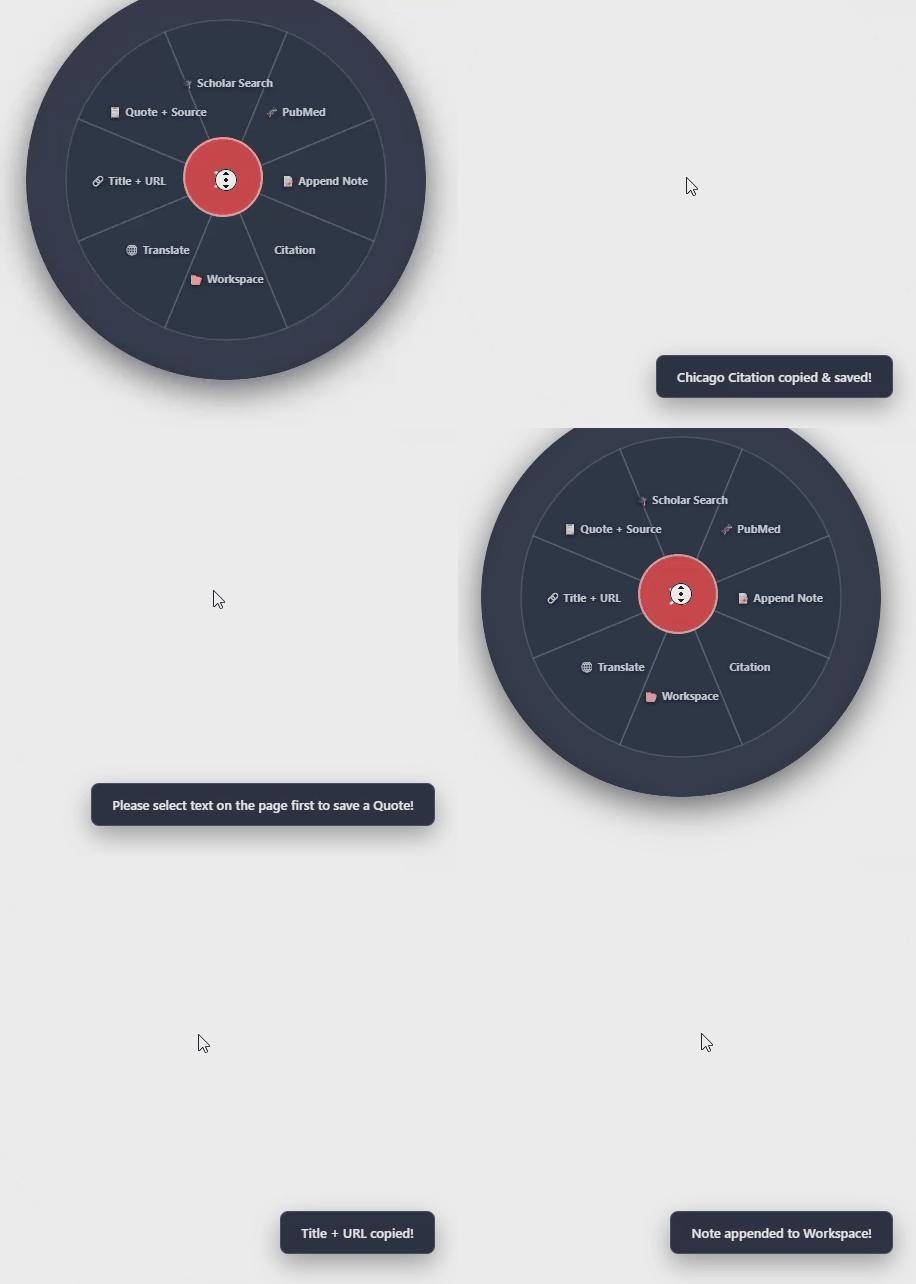
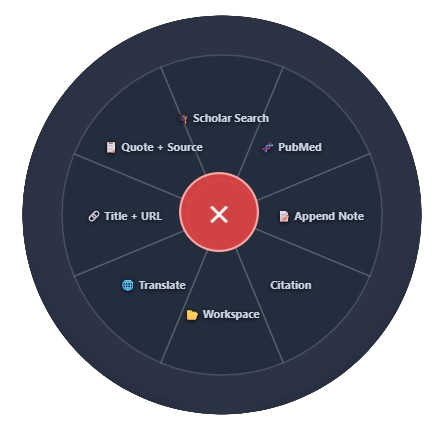
Middle-click selected text to open the radial menu and quickly access your research tools.
- 🎓 Scholar Search: Search Google Scholar using selected text or the page title.
- 🧬 PubMed: Search PubMed using selected text or the page title.
- 📝 Append Note: Save selected text to your research workspace.
- 📚 Citation: Generate and copy a citation in your preferred format.
- 📂 Workspace: Open your research sidebar.
- 🌐 Translate: Translate webpage content.
- 🔗 Title + URL: Copy a clean Markdown link.
- 📋 Quote + Source: Copy selected text together with its source.
🔒 Privacy First
Research Wheel is designed as a local-first browser extension.
Your research workspace runs locally on your device rather than depending on a remote account or cloud service.
No tracking. No analytics. No collection of your browsing activity.
Research Wheel is also open source, so you can inspect how the extension works yourself.
🦊 Firefox Installation
Research Wheel is currently distributed through Firefox Add-ons.
💻 Open Source
Research Wheel is open source. You can inspect the source code, report issues, and follow development on GitHub.
- 💻 Source Code: GitHub Repository
- 🌐 Developer: Frog1230 Portfolio
🧑💻 About the Developer
Created and developed by Janis Flury (aka Frog1230).
📜 Privacy Policy
Research Wheel is designed to operate locally and does not intentionally collect, sell, or transmit personal browsing data or analytics.
For the most accurate information about permissions and data handling, you can inspect the extension source code and Firefox Add-ons listing.
⚠️ Disclaimer
The software is provided "as is" without warranty of any kind. The developer is not responsible for issues or damages resulting from use of the software.
Download
Install instructions
⚡ Quick 30-Second Setup:
- Download the ResearchWheel.zip file for Chrome/Chromium or ResearchWheelFirefox.zip for Firefox.
- Extract the ZIP file to a folder on your computer.
- Chrome: Navigate to
chrome://extensions/->Enable Developer mode (top right) -> Click Load unpacked (top left) and select the extracted folder.
- Firefox: Navigate to
about:debugging#/runtime/this-firefox-> Click Load Temporary Add-on... and selectmanifest.json.
Development log
- Chrome - Usability Improvements41 days ago
- Research Wheel: v2.0.0 The Research Edition Pivot54 days ago
- QuickWheel: Launch61 days ago
Leave a comment
Log in with itch.io to leave a comment.