Remind Me: 24h Blueprint
A downloadable tool for Windows, macOS, and Android
Build repeatable schedules in seconds. An offline, keyboard-optimized daily planner designed to bypass distraction, reduce routine friction, and defeat procrastination.
Features:
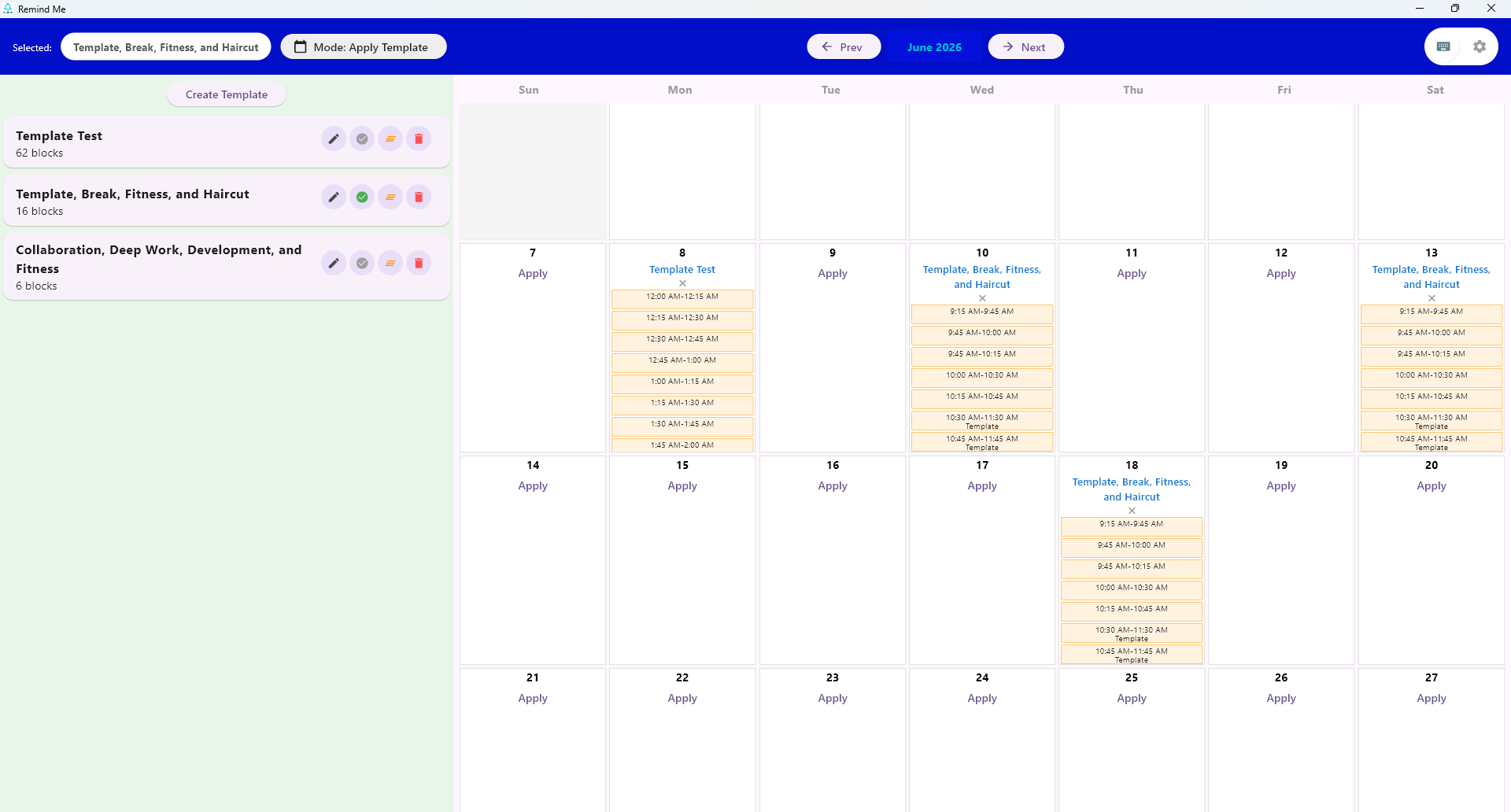
- Repeatable Schedules (Templates)
- Single Day Scheduling
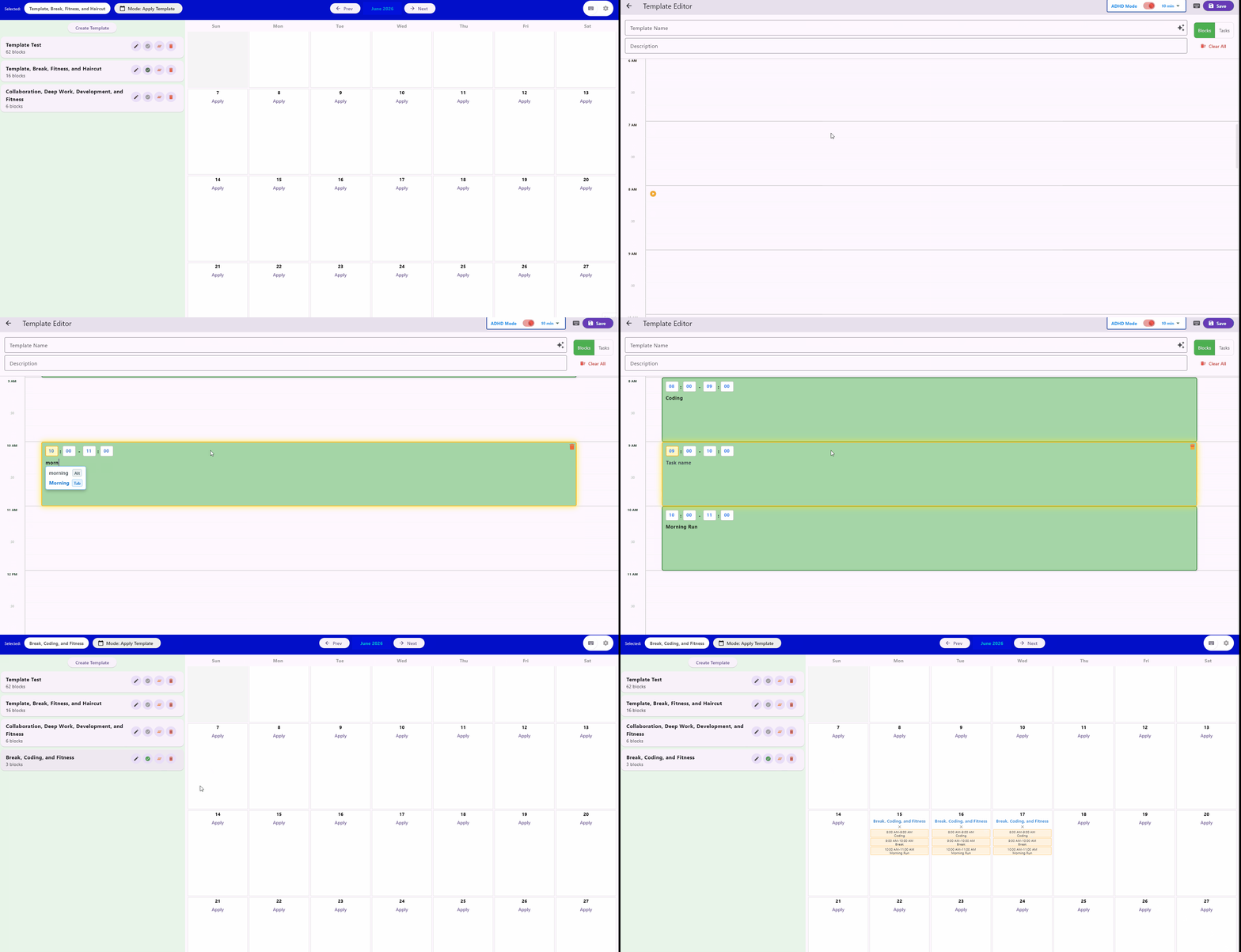
- Keyboard Supported (Makes creating schedules way faster)
- ADHD Reminders (Also helps fight procrastination)
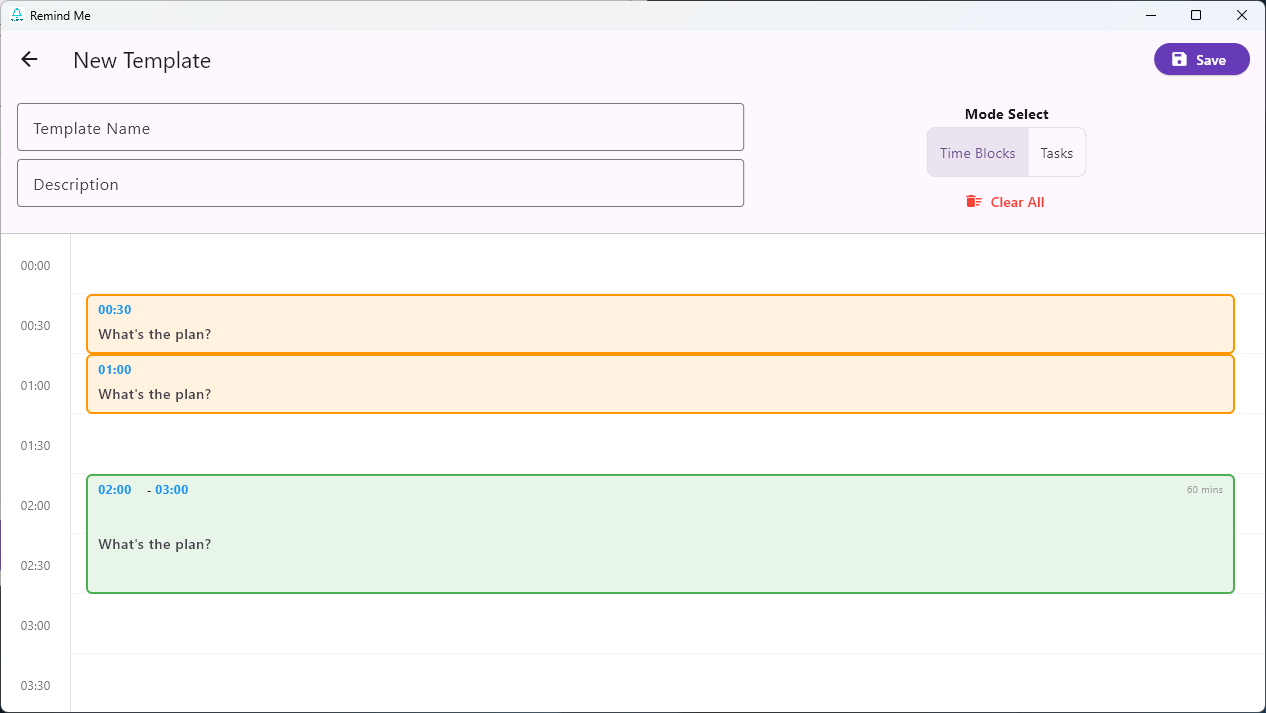
- Time blocks
- Tasks
- Runs Offline
- Pomodoro Timer
Summary: Remind Me is optimized for repeating schedules and speed. It allows repeating schedules through templates. Great speeds are achieved through keyboard short cuts and manual word completers connected to a 1000+ word dictionary.
Try the Web Demo (No Download required)
Remind Me runs offline. It does not require an internet connection, does not use servers, and does not include analytics or tracking SDKs. Your planner data is stored locally on your device.
Note on operating system telemetry: while our code does not track you or send your data to us, your operating system may log basic system events such as app launches, crashes, notification delivery, or local app activity according to your device privacy settings. We do not receive or control that data.
Pls give feedback for future changes and bugs fixing, Thank You.
Download
Install instructions
Windows Setup
- Click the Windows download button
- Extract the folder contents to your preferred location (do not run it from inside the ZIP).
- Open the folder and double-click
remind_me.exeto launch.
macOS Setup
- Download MacOS version and extract the app file.
- First Run Only: Right-click (or Control + click) the Remind Me app icon and select Open.
- When the system prompt appears, click Open again to confirm.
- Note: If you run into any issues during the beta, please leave a note in the community board below.
Android Setup
- Download the
.apkfile directly to your device. - Tap the file to open it. If prompted by your browser, toggle on "Allow from this source" in your system settings.
- Tap Install (if Google Play Protect shows a prompt, select Install Anyway).
Development log
- Pomodoro added, and other34 days ago
- Small change38 days ago
- Built For Speed: RemindMe V1.143 days ago
- Improved product display68 days ago